
Social media can sometimes feel like that one friend who is constantly begging for your attention.
For about five minutes after posting something amazing, you feel like you’ve accomplished something. Then, BAM! The apps are looking at you once again the following day as if to say “…now what?”
I’ve been there before, staring at my blank Canva screen, telling myself it would only take 10 minutes (spoiler: IT NEVER DOES).
However, I have managed to simplify the process of creating material over time, and I can now organise two weeks’ worth of postings in a single morning. You can too by following these steps.
First, get your brain in the right place
Grab yourself a drink (non-alcoholic is recommended 😉).
Then sit down away from your inbox, turn notifications off, and open your trusty planning document, app or notebook. I use the Notion app (there is a free version and it’s really simple to use).
The goal here is progress, not perfection.
Instead of trying to come up with clever captions out of thin air, ask yourself these three simple questions:
- What do my audience need help with right now?
- What do I want them to know about me or my business?
- What would make them smile or feel seen today?
Those three prompts spark ideas that should resonate with your audience, instead of random filler posts they forget about straight away.
Choose your content pillars
Pick 3–4 themes that you can repeat every couple of weeks.
For example you could choose:
- Tips & advice
- Behind the scenes
- Client wins (with their permission, of course).
- Relatable content
With these themes, you’re simplifying the process by filling the same 3 or 4 subheadings with fresh ideas.
Batch your ideas
Grab your notebook or bring up your app. Then just brain-dump post ideas under each theme until you have enough for two weeks (usually 8–10 posts total).
Once the pillars are set, you can add your ideas as you go through the week too!
Think of it like meal-prepping for your marketing.
Now create in batches
Once you know what your posting, batch similar tasks.
- Write all captions in one go (use a free AI tool to help speed this part up)
- Design all graphics in Canva together (I’ve created 3 base templates to use on my socials, which saves me a lot of time messing around on Canva).
- Schedule everything in advance using either Meta Business Suite, Later, Sendible, etc.
That’s it. There’s no switching between platforms or hunting for half-written captions in Notes at 10pm.
Don’t try and be perfect, just be consistent
Your audience doesn’t want perfection. They want to know you. Give them that human connection.
They want to know who they’re supporting, what you stand for, and how you can make their day easier or better.
Don’t get caught up in trying to go viral or get thousand’s of likes.
You’re still building trust, visibility, and connection.
And by planning it all out in one morning, you’ve freed up so much headspace to focus on the parts of your business you actually enjoy.
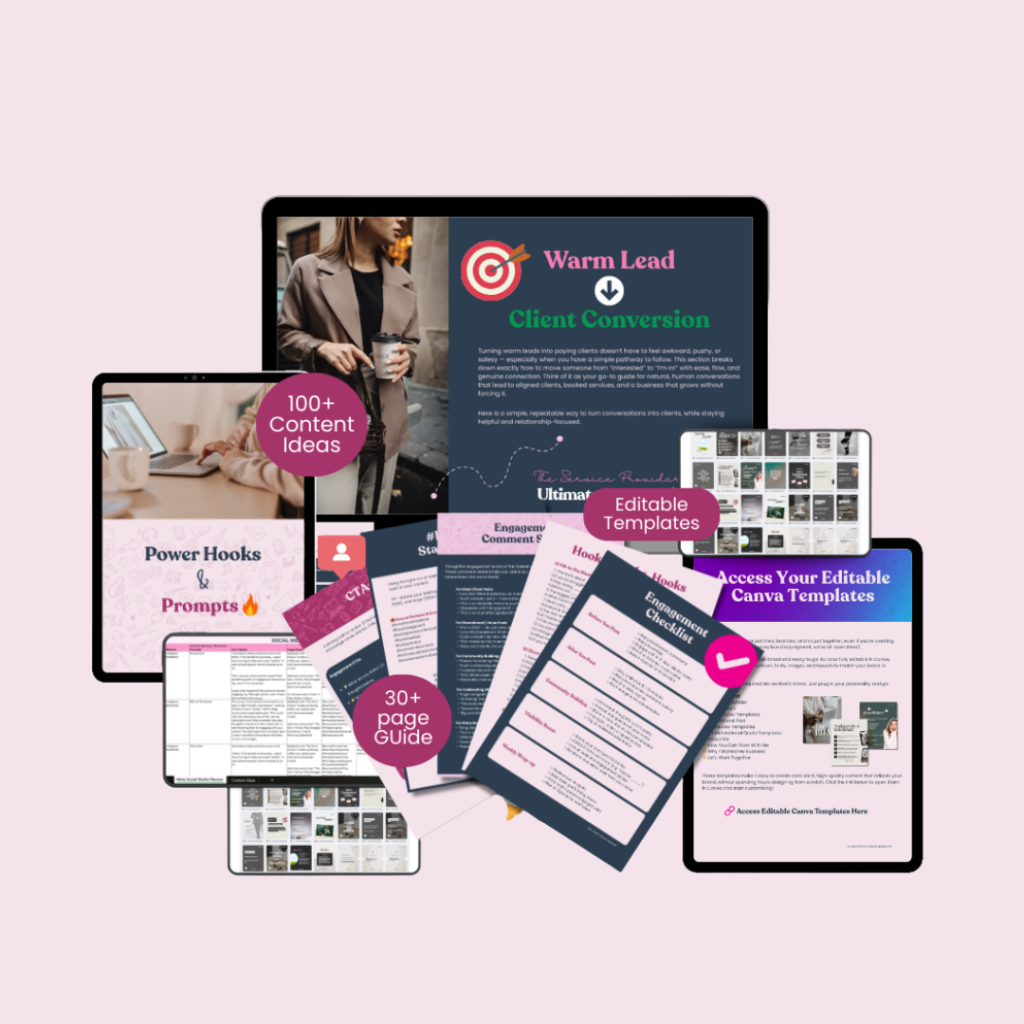
The Ultimate Content Kit for Service Providers is here!
I’ve created the Ultimate Social Media Content Kit which is designed specifically for service-based businesses. It will help you plan your content from start to finish.
What’s inside the Ultimate Content Kit?
Hooks & prompts
Content and caption ideas
Instagram Story prompts
SEO Hashtags
Engagement starters
Engagement Checklist
Warm Lead to Client (step by step strategy)
Content Calendar
Ready-to-go Editable Canva Templates!
Social media doesn’t have to be a daily headache.
With a bit of structure and batching, you can show up consistently without burning out.
If you’d rather spend your mornings doing literally anything else (like running your business, walking your dog, or just enjoying a quiet scroll), there is an easier option.
I help business owners plan, create, and manage social media that gets results (minus the stress, woohoo!). Email jessporter.va@gmail.com to get started.